HOW TO RETRIEVE YOUR CREDENTIALS ?
Prerequisites
- The API key or «CONSUMER KEY»
- The password associated with the API key or «CONSUMER SECRET»
Step 1: Devportal Connection
- Click on the «Log in» button in the header

- Complete the fields: Username and password
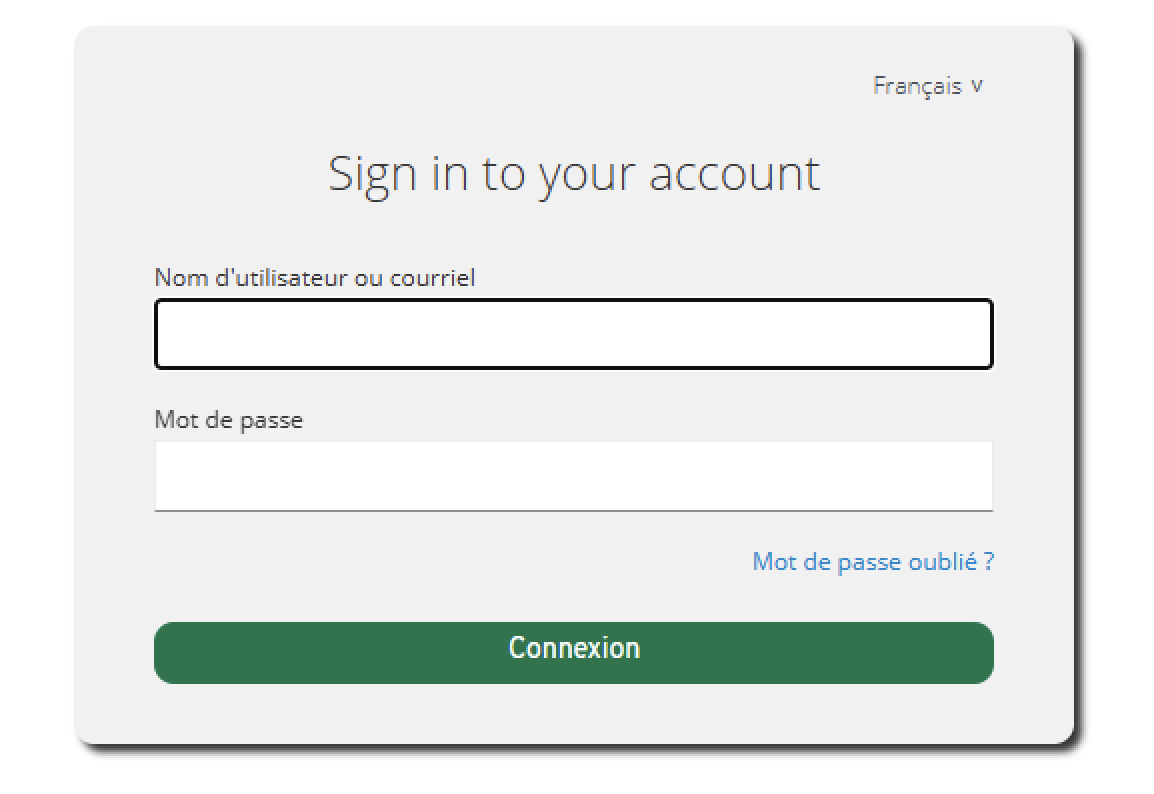
- Click on the «Connection» button
- Complete the unique use code generated on your mobile
- Click on the «Connection» button
Step 2: App page access
- Click on the profile button then on the «My application» page

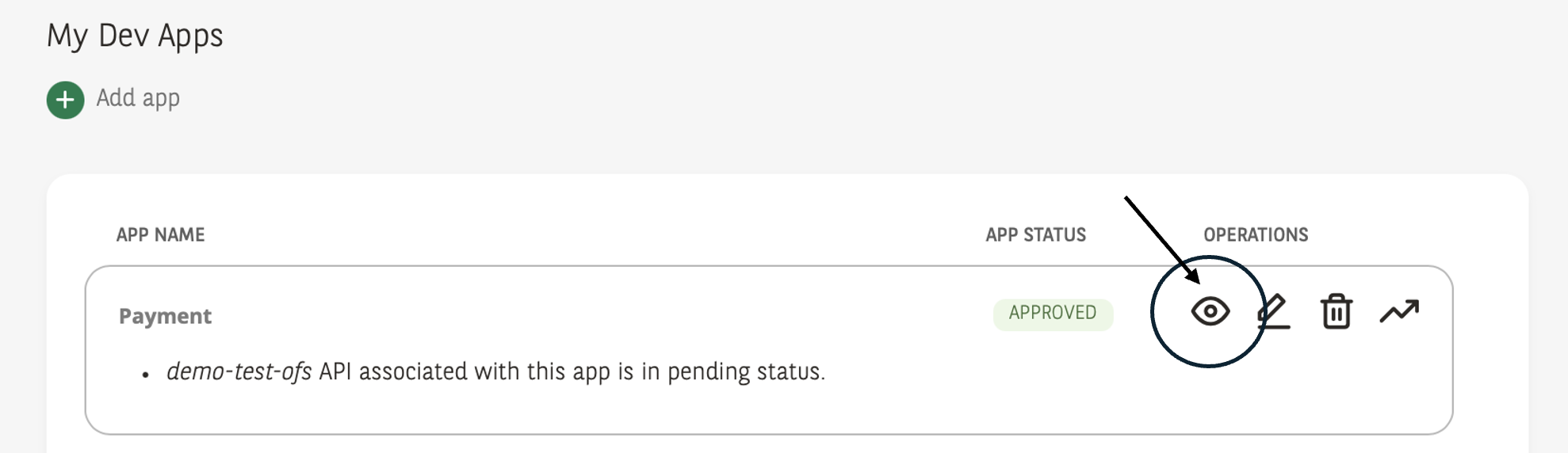
- Identify the app you need
- Click on the view icon in the «OPERATIONS» column
Step 3: Credentials display
- Scroll down to the «Credentials» section then click on «Show Key»
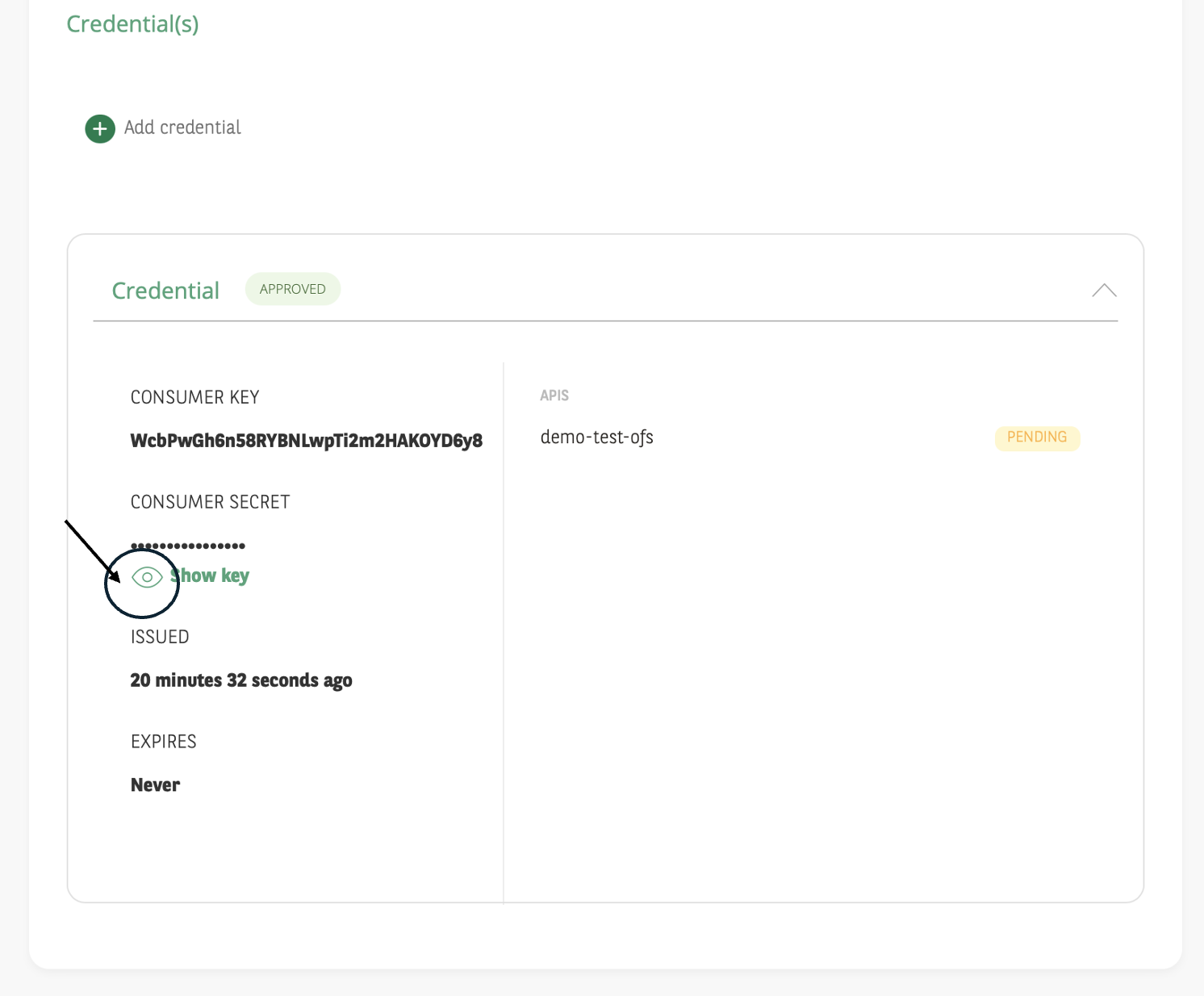
- Copy the CONSUMER KEY and SECRET values. These credentials will be used for API calls.